

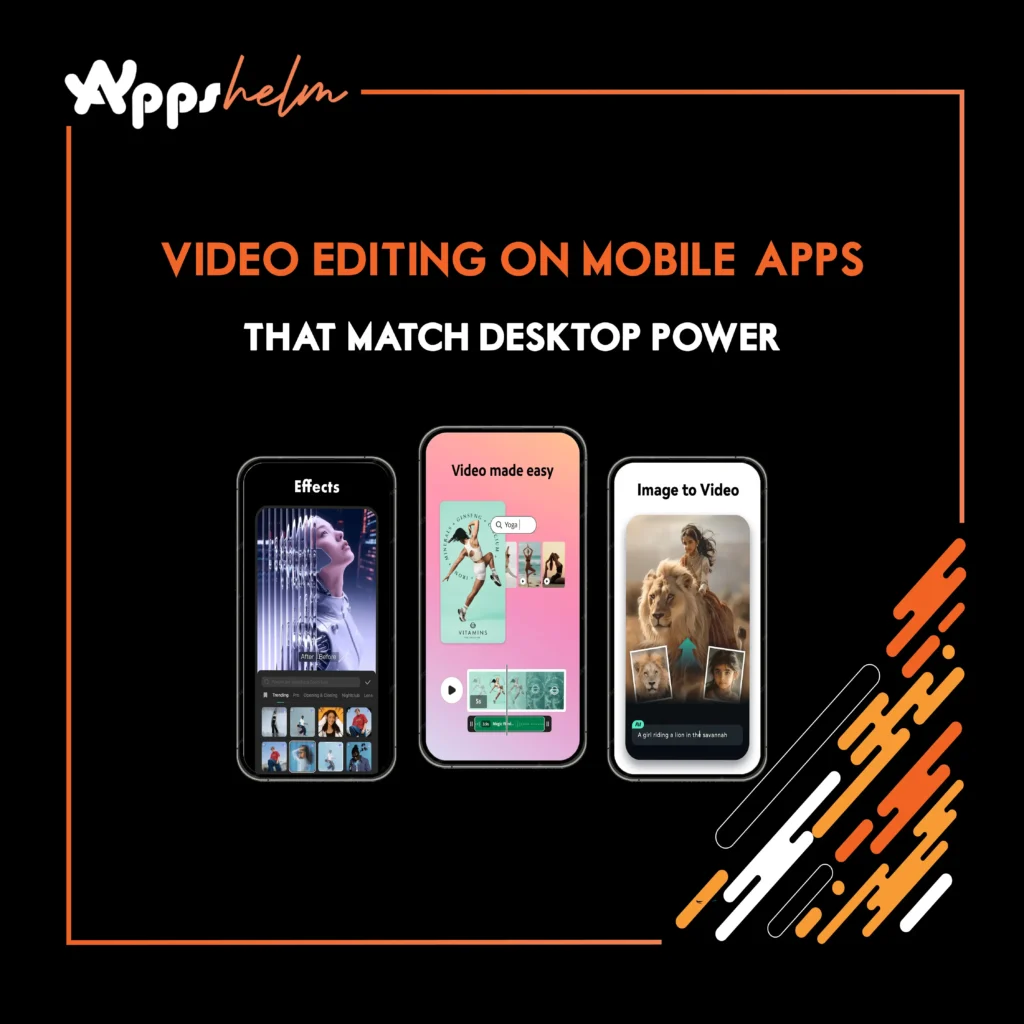
Gone are the days when professional video editing required expensive desktop software and powerful computers. Today’s mobile video editing apps pack desktop-level features into your smartphone, enabling content creators, social media influencers, and video professionals to produce stunning content anywhere, anytime. From color grading and multi-track editing to advanced effects and audio mixing, these powerful apps are revolutionizing how we create video content.
1. LumaFusion – Professional Multi-Track Editing
LumaFusion is widely regarded as the most powerful mobile video editor, offering professional-grade features that rival desktop applications. It’s the go-to choice for journalists, filmmakers, and content creators who need desktop power on the go.
Key Features:
- Six video/audio tracks for complex projects
- Professional color correction and grading tools
- Keyframe animation for effects and transitions
- Multicam editing support
- External monitor support for precision editing
- Direct project export to Final Cut Pro and Premiere Pro
Why It’s Great: LumaFusion doesn’t compromise on features. It handles 4K video smoothly, offers frame-accurate editing, and provides the depth professionals need while remaining intuitive enough for advanced enthusiasts.
Download Links:
- iOS: App Store
- Price: $29.99 (one-time purchase)
2. CapCut – Free Powerhouse for Social Media
CapCut has taken the content creator world by storm with its impressive feature set available completely free. Owned by ByteDance (TikTok’s parent company), it’s optimized for creating engaging social media content with trending effects and templates.
Key Features:
- AI-powered auto-captions and voiceover
- Extensive library of trending effects and filters
- Keyframe animation capabilities
- Chroma key (green screen) editing
- Speed control with smooth slow-motion
- Royalty-free music library
Why It’s Great: CapCut delivers premium features without a price tag or watermarks, making professional-looking edits accessible to everyone. Its regular updates with trending effects keep your content fresh and relevant.
Download Links:
- iOS: App Store
- Android: Google Play Store
- Web: capcut.com
3. Adobe Premiere Rush – Cross-Platform Seamless Workflow
Premiere Rush brings Adobe’s professional editing capabilities to mobile with seamless synchronization across devices. Perfect for creators who start projects on mobile and finish on desktop, or vice versa.
Key Features:
- Cloud sync across mobile and desktop
- Multi-track timeline editing
- Professional audio mixing tools
- Motion graphics templates from Adobe Stock
- Built-in color presets and customization
- Direct publishing to social platforms
Why It’s Great: Premiere Rush integrates perfectly with the Adobe ecosystem, allowing you to start editing on your phone during commute and seamlessly continue on desktop without exporting or transferring files.
Download Links:
- iOS: App Store
- Android: Google Play Store
- Web: adobe.com/rush
- Price: Free (limited exports) or Creative Cloud subscription
4. KineMaster – Layer-Based Editing Excellence
KineMaster pioneered mobile video editing with its layer-based approach, allowing unlimited layers of video, images, text, and effects. It remains one of the most versatile and powerful mobile editors available.
Key Features:
- Unlimited layers for complex compositions
- Instant preview without rendering
- Chroma key compositing
- Voice recording and audio effects
- Speed control and reverse video
- Asset store with effects, music, and transitions
Why It’s Great: KineMaster’s layer system gives you creative freedom comparable to desktop editors, enabling complex animations and compositions that other mobile apps can’t match.
Download Links:
- iOS: App Store
- Android: Google Play Store
- Price: Free (with watermark) or subscription for full features
5. InShot – Quick Edits with Professional Results
InShot strikes the perfect balance between simplicity and power, making it ideal for creators who need fast turnaround without sacrificing quality. Its intuitive interface hides surprisingly robust features underneath.
Key Features:
- Precise trimming and splitting tools
- Picture-in-picture and video collage
- Text and sticker animations
- Music and sound effects library
- Video speed adjustment and reverse
- Multiple aspect ratios for different platforms
Why It’s Great: InShot gets you from raw footage to polished video faster than any other app, with an interface that’s easy to learn but powerful enough for advanced edits.
Download Links:
- iOS: App Store
- Android: Google Play Store
- Price: Free (with watermark) or one-time pro purchase
6. FilmoraGo – Beginner-Friendly with Advanced Features
FilmoraGo brings Wondershare’s desktop Filmora experience to mobile, offering an excellent entry point for beginners while providing enough depth for intermediate editors to create impressive content.
Key Features:
- Drag-and-drop editing interface
- Theme-based templates for quick projects
- Overlay and picture-in-picture support
- Slow motion and fast motion control
- Text and title animations
- Voiceover recording
Why It’s Great: FilmoraGo makes complex editing techniques accessible with templates and presets, while still allowing full manual control when you need it.
Download Links:
- iOS: App Store
- Android: Google Play Store
- Price: Free (with watermark) or subscription
7. VideoLeap – Creative Effects and Masking
VideoLeap (by Lightricks, creators of Facetune) focuses on creative effects and advanced compositing, making it perfect for artistic projects and stylized content that stands out from the crowd.
Key Features:
- Object and background removal
- Advanced masking and blending modes
- Keyframe animation for all parameters
- Prism effects and artistic filters
- Cinematic color grading tools
- Special effects library
Why It’s Great: VideoLeap excels at creative, artistic edits that push boundaries. Its masking and effects capabilities rival desktop software, enabling truly unique video creations.
Download Links:
- iOS: App Store
- Android: Google Play Store
- Price: Free trial, then subscription
8. VN Video Editor – Pro Features, Zero Watermark
VN Video Editor has gained a devoted following by offering professional features completely free without watermarks, making it a favorite among budget-conscious creators who refuse to compromise quality.
Key Features:
- Multi-track editing with unlimited layers
- Keyframe animation support
- Curve speed control for cinematic effects
- Professional audio editing tools
- No watermark on free version
- Export up to 4K resolution
Why It’s Great: VN Video Editor’s completely free, watermark-free approach combined with genuinely professional features makes it an unbeatable value proposition for serious mobile editors.
Download Links:
- iOS: App Store
- Android: Google Play Store
- Price: Completely free
9. Filmmaker Pro – Hollywood-Style Mobile Editing
Filmmaker Pro focuses on cinematic editing with tools specifically designed for storytelling, making it ideal for short films, documentaries, and narrative content that demands professional polish.
Key Features:
- 30+ video editing tools and effects
- 200+ fonts and text animations
- Royalty-free music and sound effects
- Advanced color correction wheels
- Voiceover recording with effects
- 4K video support
Why It’s Great: Filmmaker Pro prioritizes the tools that matter for narrative storytelling, with color grading and audio capabilities that help you achieve a cinematic look on mobile.
Download Links:
- iOS: App Store
- Android: Google Play Store
- Price: Free (with watermark) or subscription
10. PowerDirector – Full-Featured Desktop Replacement
PowerDirector Mobile brings CyberLink’s award-winning desktop editor to smartphones with virtually no feature compromises. It’s one of the few mobile apps that can genuinely replace desktop editing for many projects.
Key Features:
- Multi-timeline editing with unlimited tracks
- Professional chroma key compositing
- Motion tracking technology
- Slow-motion and time-lapse support
- Video collage designer
- Direct sharing to social platforms
Why It’s Great: PowerDirector proves that mobile devices can handle complex, professional video editing workflows with performance and features that rival desktop applications.
Download Links:
- iOS: App Store
- Android: Google Play Store
- Price: Free (with watermark) or subscription
Conclusion
The mobile video editing revolution is here, and these powerful apps prove that you no longer need expensive desktop software to create professional-quality videos. Whether you’re a content creator, social media influencer, journalist, or aspiring filmmaker, there’s a mobile editing solution that matches your needs and skill level.
Each app brings unique strengths to the table: LumaFusion and PowerDirector for true desktop replacement, CapCut and VN for feature-rich free options, VideoLeap for creative effects, and InShot for speed and efficiency. The best approach is to experiment with a few options to find the workflow that fits your creative style and project requirements.
The future of video editing is mobile, portable, and more accessible than ever. With these apps in your toolkit, your next viral video, client project, or creative masterpiece is just a few taps away. Start creating today and discover how mobile editing can transform your content creation workflow.












