

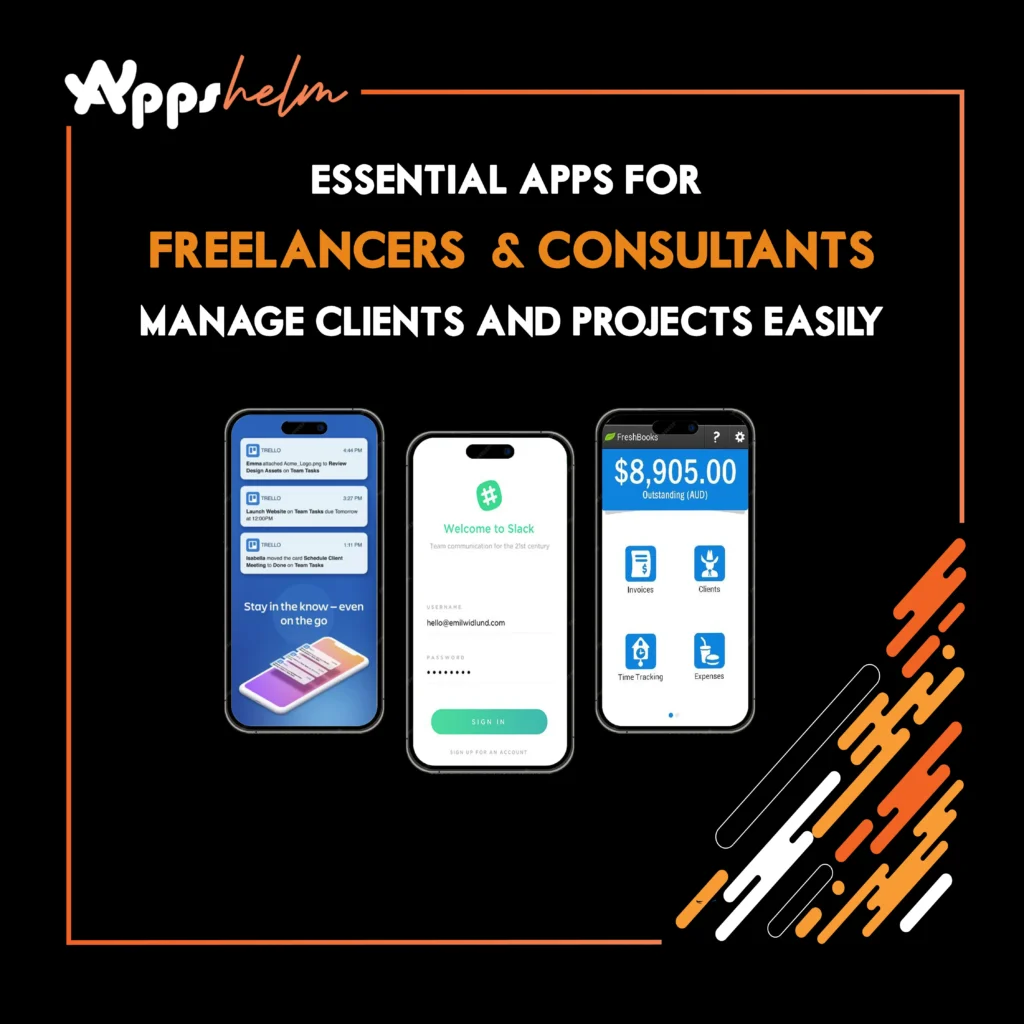
In the modern freelance economy, managing multiple clients, projects, and deadlines can feel overwhelming. Whether you’re a consultant, designer, developer, or writer, the right apps can transform chaos into organized productivity. From invoicing and time tracking to project management and client communication, these essential tools help freelancers work smarter, not harder.
1. Toggl Track – Master Your Time Management
Toggl Track is a powerful time-tracking app that helps freelancers monitor how they spend their work hours. With detailed reports and seamless integration capabilities, it’s perfect for billing clients accurately and understanding your productivity patterns.
Key Features:
- One-click time tracking across devices
- Detailed productivity reports and insights
- Integrations with 100+ project management tools
- Automatic time tracking for apps and websites
Why It’s Great: Toggl Track eliminates the guesswork from billing hours and helps you identify which projects are truly profitable, enabling data-driven decisions about your freelance business.
Download Links:
- iOS: App Store
- Android: Google Play Store
- Web: toggl.com
2. Trello – Visualize Your Project Workflow
Trello uses intuitive boards, lists, and cards to help freelancers organize projects visually. Its flexible system adapts to any workflow, making it ideal for managing multiple client projects simultaneously.
Key Features:
- Drag-and-drop project boards
- Customizable workflow templates
- Team collaboration features
- Power-ups for extended functionality
- Mobile and desktop synchronization
Why It’s Great: Trello’s visual approach makes project management feel less like work. You can see everything at a glance, from pending tasks to completed milestones, keeping you and your clients aligned.
Download Links:
- iOS: App Store
- Android: Google Play Store
- Web: trello.com
3. FreshBooks – Simplify Your Invoicing and Accounting
FreshBooks is a comprehensive accounting solution designed specifically for freelancers and small business owners. It streamlines invoicing, expense tracking, and financial reporting so you can focus on your work instead of paperwork.
Key Features:
- Professional invoice creation and customization
- Automated payment reminders
- Expense tracking with receipt capture
- Time tracking built-in
- Financial reports and tax preparation tools
Why It’s Great: FreshBooks makes getting paid effortless with automated invoicing and payment processing, while providing clear insights into your business finances.
Download Links:
- iOS: App Store
- Android: Google Play Store
- Web: freshbooks.com
4. Slack – Centralize Client Communication
Slack revolutionizes how freelancers communicate with clients and collaborators. Its channel-based messaging keeps conversations organized, searchable, and accessible across all devices.
Key Features:
- Organized channels for different clients/projects
- Direct messaging and group conversations
- File sharing and collaboration
- Integration with hundreds of productivity tools
- Video and voice calling
Why It’s Great: Slack reduces email clutter and keeps all project-related communication in one place, making it easy to reference past conversations and decisions.
Download Links:
- iOS: App Store
- Android: Google Play Store
- Web: slack.com
5. Notion – Your All-in-One Workspace
Notion combines notes, databases, wikis, and project management into a single customizable workspace. Freelancers can create client portals, track projects, store resources, and manage their entire business in one place.
Key Features:
- Flexible page and database creation
- Templates for various use cases
- Real-time collaboration
- Task management and calendars
- Knowledge base and documentation
Why It’s Great: Notion’s versatility means you can build exactly the workspace you need, eliminating the need for multiple separate tools.
Download Links:
- iOS: App Store
- Android: Google Play Store
- Web: notion.so
6. Calendly – Automate Your Appointment Scheduling
Calendly eliminates the back-and-forth emails of scheduling meetings. Share your availability, let clients book time slots that work for both of you, and automatically sync appointments to your calendar.
Key Features:
- Customizable availability settings
- Multiple meeting types and durations
- Automatic time zone detection
- Calendar integration (Google, Outlook, etc.)
- Reminder notifications for both parties
Why It’s Great: Calendly saves hours each week by automating the scheduling process, presenting a professional image while making it easy for clients to book time with you.
Download Links:
- iOS: App Store
- Android: Google Play Store
- Web: calendly.com
7. Asana – Advanced Project Management
Asana is a robust project management platform that helps freelancers and consultants break down complex projects into manageable tasks, set deadlines, and track progress with multiple view options.
Key Features:
- Task and subtask organization
- Multiple project views (list, board, timeline, calendar)
- Project templates and workflows
- Team collaboration tools
- Progress tracking and reporting
Why It’s Great: Asana scales with your business, offering sophisticated project management features that keep everything organized as your client roster grows.
Download Links:
- iOS: App Store
- Android: Google Play Store
- Web: asana.com
8. Expensify – Track Business Expenses Effortlessly
Expensify simplifies expense management with automatic receipt scanning, mileage tracking, and seamless integration with accounting software. It’s essential for freelancers who need to track deductible business expenses.
Key Features:
- SmartScan receipt capture technology
- Automatic expense categorization
- Mileage tracking
- Corporate card reconciliation
- Integration with accounting platforms
Why It’s Great: Expensify makes tax season stress-free by automatically organizing all your business expenses throughout the year with minimal manual input.
Download Links:
- iOS: App Store
- Android: Google Play Store
- Web: expensify.com
9. Zoom – Professional Virtual Meetings
Zoom has become the standard for virtual meetings, offering reliable video conferencing that helps freelancers connect with clients worldwide. Its screen-sharing and recording features make it ideal for presentations and consultations.
Key Features:
- HD video and audio conferencing
- Screen sharing and annotation tools
- Meeting recording and transcription
- Virtual backgrounds
- Breakout rooms for group sessions
Why It’s Great: Zoom’s reliability and ease of use make it the go-to platform for professional client meetings, eliminating geographical barriers to business.
Download Links:
- iOS: App Store
- Android: Google Play Store
- Web: zoom.us
10. Dropbox – Secure File Storage and Sharing
Dropbox provides reliable cloud storage with powerful sharing capabilities, making it easy for freelancers to store, access, and share files with clients from anywhere.
Key Features:
- Cloud storage with automatic synchronization
- File sharing with customizable permissions
- Version history and file recovery
- Document scanning with mobile app
- Integration with productivity tools
Why It’s Great: Dropbox ensures your work is always backed up and accessible, while making client file sharing simple and professional.
Download Links:
- iOS: App Store
- Android: Google Play Store
- Web: dropbox.com
Conclusion
Running a successful freelance or consulting business requires more than just talent—it demands organization, efficiency, and professional client management. These essential apps provide the infrastructure you need to manage projects, communicate effectively, track time and expenses, and present a polished, professional image to clients.
By integrating these tools into your daily workflow, you’ll spend less time on administrative tasks and more time doing the work you love. Start with one or two apps that address your biggest pain points, then gradually build your productivity toolkit as your business grows. The investment in these tools will pay dividends in saved time, reduced stress, and improved client satisfaction.












