

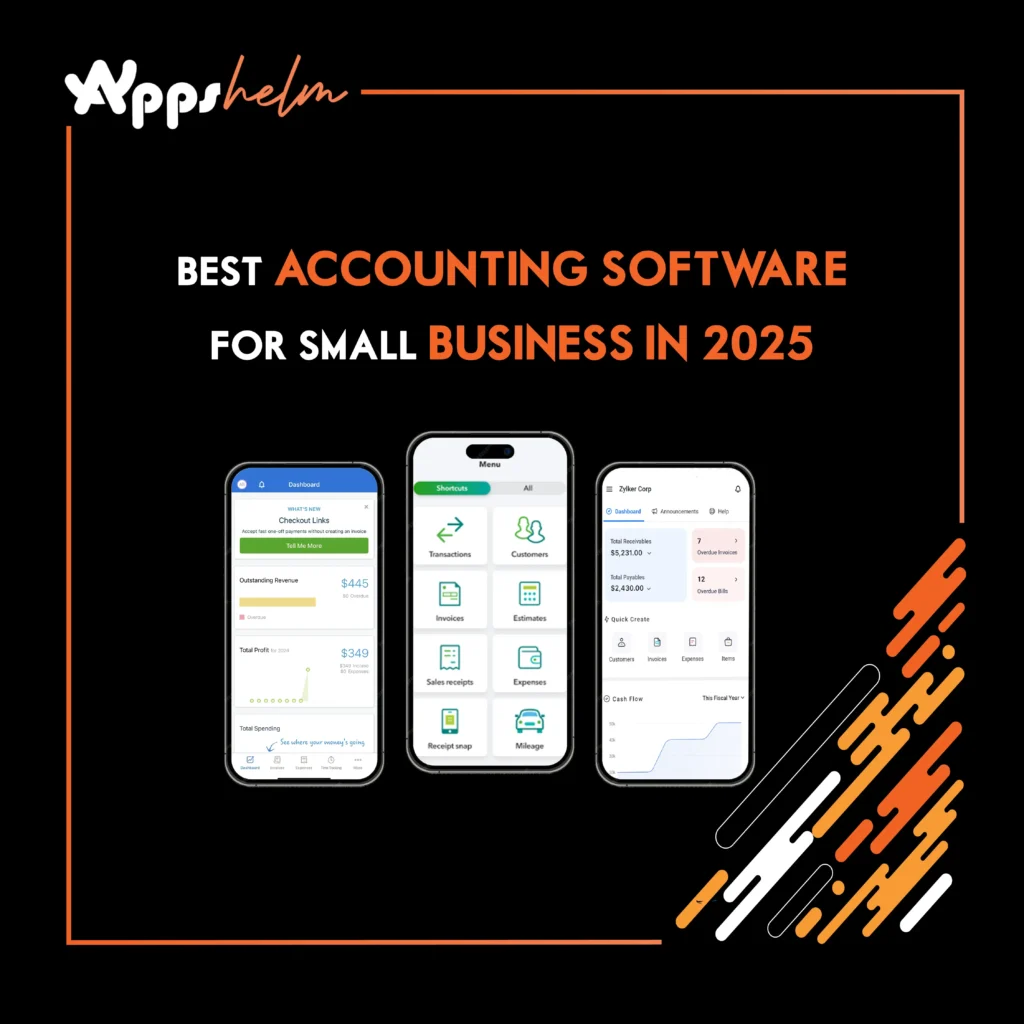
Managing finances efficiently is critical for small business success. The right accounting software can streamline bookkeeping, automate invoicing, track expenses, and provide valuable financial insights. With numerous options available in 2025, choosing the best accounting software for your small business requires careful consideration of features, pricing, and scalability.
This comprehensive guide examines the leading accounting software solutions designed specifically for small businesses, helping you make an informed decision that aligns with your operational needs and budget.
Why Small Businesses Need Accounting Software
Modern accounting software has evolved far beyond basic bookkeeping. Today’s platforms offer comprehensive financial management tools that help small business owners save time, reduce errors, and gain better control over their finances.
Core Benefits
Small business accounting software includes essential features like general ledgers, invoice management, expense tracking, financial reporting, and tax preparation tools. These capabilities enable business owners to focus on growth rather than spending countless hours on manual financial tasks.
Cloud-Based Advantages
Cloud-based accounting solutions have become particularly valuable, allowing business owners to access their financial data anytime, anywhere. This flexibility supports remote work environments and enables real-time collaboration with accountants and bookkeepers.
Top Accounting Software for Small Businesses in 2025
Leading accounting platforms for small businesses include Xero, FreshBooks, Zoho Books, Intuit QuickBooks Online, Oracle NetSuite, Sage 50 Accounting, and Wave. Each platform offers unique strengths tailored to different business needs.
QuickBooks Online: Best Overall Solution
QuickBooks Online has been recognized as the top accounting software for small businesses in 2025, earning accolades for its comprehensive feature set and intuitive design. QuickBooks, along with Xero and FreshBooks, leads the market by offering user-friendly interfaces, automation capabilities, and scalability.
Key Features:
- Robust accounting features and extensive reporting options
- Integration capabilities with hundreds of third-party applications
- Support for invoicing, expense tracking, inventory management, and payroll
- Multiple pricing tiers for different business stages
- More comprehensive and scalable solution than many competitors
The platform’s extensive app marketplace allows businesses to connect with hundreds of third-party applications, creating a customized financial ecosystem that grows with your needs.
Xero: Best for Collaboration
Xero is among the major players supporting most small businesses and stands out for its unlimited user access and strong collaboration features. Xero provides excellent value, unlimited users, and strong collaboration tools, making it ideal for businesses with multiple team members or external accountants who need simultaneous access.
Standout Features:
- Excellent bank reconciliation with smart matching technology
- Clean interface and intuitive navigation
- Strong inventory management and project tracking
- Fixed pricing with unlimited users at every tier
- Integration with over 1,000 third-party applications
The platform excels in bank reconciliation, with smart matching technology that automatically categorizes transactions, making it accessible for users without extensive accounting knowledge.
FreshBooks: Best for Service-Based Businesses
FreshBooks caters to small businesses and freelancers, excelling in invoice generation. FreshBooks specializes in service business needs with integrated time tracking, making it particularly well-suited for consultants, agencies, and professional services firms.
Core Strengths:
- Professional invoice templates with automatic payment reminders
- Client portal functionality for enhanced communication
- Integrated time tracking for accurate hourly billing
- Expense management for easy project cost tracking
- Streamlined interface that eliminates complexity
While it may not offer the comprehensive accounting depth of QuickBooks or Xero, its focused feature set perfectly serves businesses that prioritize invoicing and client management.
Wave: Best Free Option
Wave offers free basic functionality for very small businesses, making it an attractive option for startups and solopreneurs with limited budgets. The platform provides essential accounting features including income and expense tracking, invoicing, and receipt scanning at no cost.
What’s Included Free:
- Unlimited invoices and automatic bank connections
- Basic financial reporting and receipt scanning
- Income and expense tracking
- Optional paid services for payment processing and payroll
Wave generates revenue through optional paid services like payment processing and payroll, rather than charging for the core accounting software. While Wave lacks some advanced capabilities found in paid platforms, it delivers solid value for micro-businesses and freelancers just starting out.
Zoho Books: Best for Integration with Business Suite
Zoho Books integrates seamlessly with the broader Zoho ecosystem, making it ideal for businesses already using Zoho CRM, Zoho Projects, or other Zoho applications. This integration creates a unified business management platform where financial data flows automatically between systems.
Notable Features:
- Competitive pricing with comprehensive feature set
- Inventory management and purchase order creation
- Multiple currency and tax configuration support
- Advanced automation capabilities and custom workflows
- Client portal access for customers
The software offers competitive pricing with a feature-rich platform that includes inventory management, purchase order creation, and vendor management, making it suitable for businesses with international operations.
Key Features to Consider
Invoicing and Billing
Professional invoicing capabilities are fundamental for any small business. Look for software that offers:
- Customizable invoice templates with your branding
- Automatic payment reminders for overdue invoices
- Recurring billing for subscription-based services
- Multiple payment gateway integrations
- Invoice status tracking and automated follow-ups
The ability to track invoice status and send automated follow-ups for overdue payments can significantly improve cash flow management.
Expense Tracking and Receipt Management
Efficient expense tracking helps businesses maintain accurate records and maximize tax deductions. Essential features include:
- Receipt scanning via mobile apps
- Automatic expense categorization
- Mileage tracking for vehicle expenses
- Ability to attach receipts to transactions
- Credit card and bank account synchronization
Modern accounting software should streamline the entire expense management process from capture to reporting.
Financial Reporting
Comprehensive reporting capabilities provide insights into business performance and support informed decision-making. Essential reports include:
- Profit and loss statements
- Balance sheets
- Cash flow statements
- Accounts receivable and payable aging reports
- Tax summary reports
- Customizable reports for industry-specific metrics
Quality reporting tools help you understand your financial position and make strategic business decisions.
Bank Reconciliation
Automatic bank feeds eliminate manual data entry and reduce errors. Quality accounting software should:
- Connect securely to bank accounts and credit cards
- Automatically import and categorize transactions
- Suggest matches for faster reconciliation
- Identify discrepancies between records and bank statements
- Support multiple bank account connections
Automated reconciliation saves hours of manual work and ensures accuracy in your financial records.
Payroll Processing
Integrated payroll streamlines employee payment and tax compliance. Consider whether the software offers:
- Direct deposit capabilities
- Automatic tax calculations and withholdings
- Year-end tax form generation (W-2s, 1099s)
- Time tracking integration
- Employee self-service portals
Some platforms include payroll as a standard feature, while others offer it as an add-on service with additional monthly fees.
Mobile Accessibility
Mobile apps enable business owners to manage finances on the go. Essential mobile features include:
- Expense capture through photo receipts
- Invoice creation and sending
- Payment acceptance
- Financial dashboard access
- Mileage tracking with GPS
Cloud synchronization ensures that mobile and desktop data remain consistent across all devices.
Scalability
Choose software that can grow with your business. Consider whether the platform:
- Supports multiple users as your team expands
- Handles increasing transaction volumes
- Offers advanced features you might need later
- Provides upgrade paths to more comprehensive plans
- Integrates with enterprise-level tools if needed
Starting with scalable software prevents the need for disruptive platform changes as your business grows.
Pricing Considerations
Subscription Tiers
Accounting software pricing varies significantly based on features, user limits, and transaction volumes. Most platforms offer tiered subscription plans:
- Entry-level plans: $15-$30/month for core accounting features
- Mid-tier plans: $30-$70/month with time tracking and multiple users
- Advanced plans: $100+/month with comprehensive features and unlimited users
Hidden Costs to Consider
Consider the total cost of ownership, including:
- Add-on services like payroll processing
- Payment processing fees (typically 2-3% per transaction)
- Additional user charges beyond included limits
- Premium support packages
- Third-party app integrations
Some platforms charge transaction fees for invoice payments, which can significantly impact costs for high-volume businesses.
Money-Saving Tips
- Take advantage of annual billing discounts (often 2 months free)
- Start with free trials to test before committing
- Compare payment processing fees if accepting online payments
- Evaluate whether bundled payroll saves money vs. standalone services
Many providers offer discounts for annual billing, often providing two months free when paying yearly.
Implementation Best Practices
Data Migration
Transitioning from spreadsheets or legacy software requires careful planning:
Preparation Steps:
- Clean up existing financial data and remove duplicates
- Correct errors in historical records
- Organize data in compatible formats
- Backup all existing financial information
Migration Process:
- Use import tools provided by the software
- Consider professional migration services for complex data
- Start at the beginning of a fiscal year if possible
- Work with an accountant for mid-year transitions
Most accounting software providers offer import tools and migration services to transfer historical data smoothly.
User Training
Invest time in learning your chosen platform to maximize its value:
- Complete vendor-provided video tutorials and webinars
- Review comprehensive documentation and help resources
- Consider hiring certified professionals for initial setup
- Encourage all team members to complete training modules
- Schedule regular refresher sessions for advanced features
Proper training reduces errors, improves efficiency, and helps users discover time-saving features they might otherwise overlook.
Integration Setup
Connect your accounting software with other business tools to create a seamless workflow:
Popular Integrations:
- Payment processors for invoice payments (Stripe, PayPal, Square)
- E-commerce platforms for automatic sales recording (Shopify, WooCommerce)
- CRM systems for customer data synchronization (Salesforce, HubSpot)
- Project management tools for time and expense tracking (Asana, Monday.com)
- Tax preparation software for simplified filing (TurboTax, TaxAct)
Automation through integrations eliminates duplicate data entry and ensures consistency across systems.
Regular Reconciliation
Establish a routine for reconciling bank accounts and credit cards:
Best Practices:
- Schedule weekly or monthly reconciliation sessions
- Set calendar reminders for consistency
- Review and categorize unmatched transactions
- Investigate discrepancies immediately
- Document reconciliation completion
Regular reconciliation helps identify errors quickly, prevents fraud, ensures accurate financial reporting, and simplifies tax preparation.
Security and Compliance
Essential Security Features
Financial data security is paramount when choosing accounting software. Verify that your chosen platform employs:
- Bank-level encryption for data transmission and storage
- Two-factor authentication for user accounts
- Regular data backups with disaster recovery capabilities
- Compliance with relevant regulations (GDPR, SOC 2)
- Role-based access controls
User Responsibility
Cloud-based platforms typically provide superior security compared to locally installed software, as professional security teams continuously monitor and update protections. However, users must also practice good security hygiene:
- Use strong, unique passwords
- Limit access to authorized personnel only
- Regularly review user permissions
- Enable two-factor authentication
- Train employees on security best practices
Making Your Decision
Evaluation Process
Selecting the right accounting software depends on your specific business needs, budget, and growth plans:
Step 1: Assess Your Needs
- Identify must-have vs. nice-to-have features
- Determine user count and access requirements
- Consider industry-specific needs
- Evaluate integration requirements
Step 2: Compare Options
- QuickBooks Online: Best all-around for most businesses
- Xero: Best for collaboration with unlimited users
- FreshBooks: Best for service-based businesses and freelancers
- Wave: Best free option for startups
- Zoho Books: Best for existing Zoho users
Step 3: Test Before Committing
- Start free trials of your top contenders
- Evaluate ease of use and interface
- Test key features you’ll use daily
- Assess customer support quality
- Check integration with existing tools
Step 4: Consult Experts Don’t hesitate to consult with an accountant or bookkeeper for professional guidance tailored to your specific situation.
Conclusion
The best accounting software for your small business balances functionality, usability, and cost while supporting your growth trajectory. Major players like QuickBooks, Xero, and Sage support most small businesses with comprehensive feature sets designed for diverse industries and business models.












